
01 · The challenge
Every unit, five places to look.
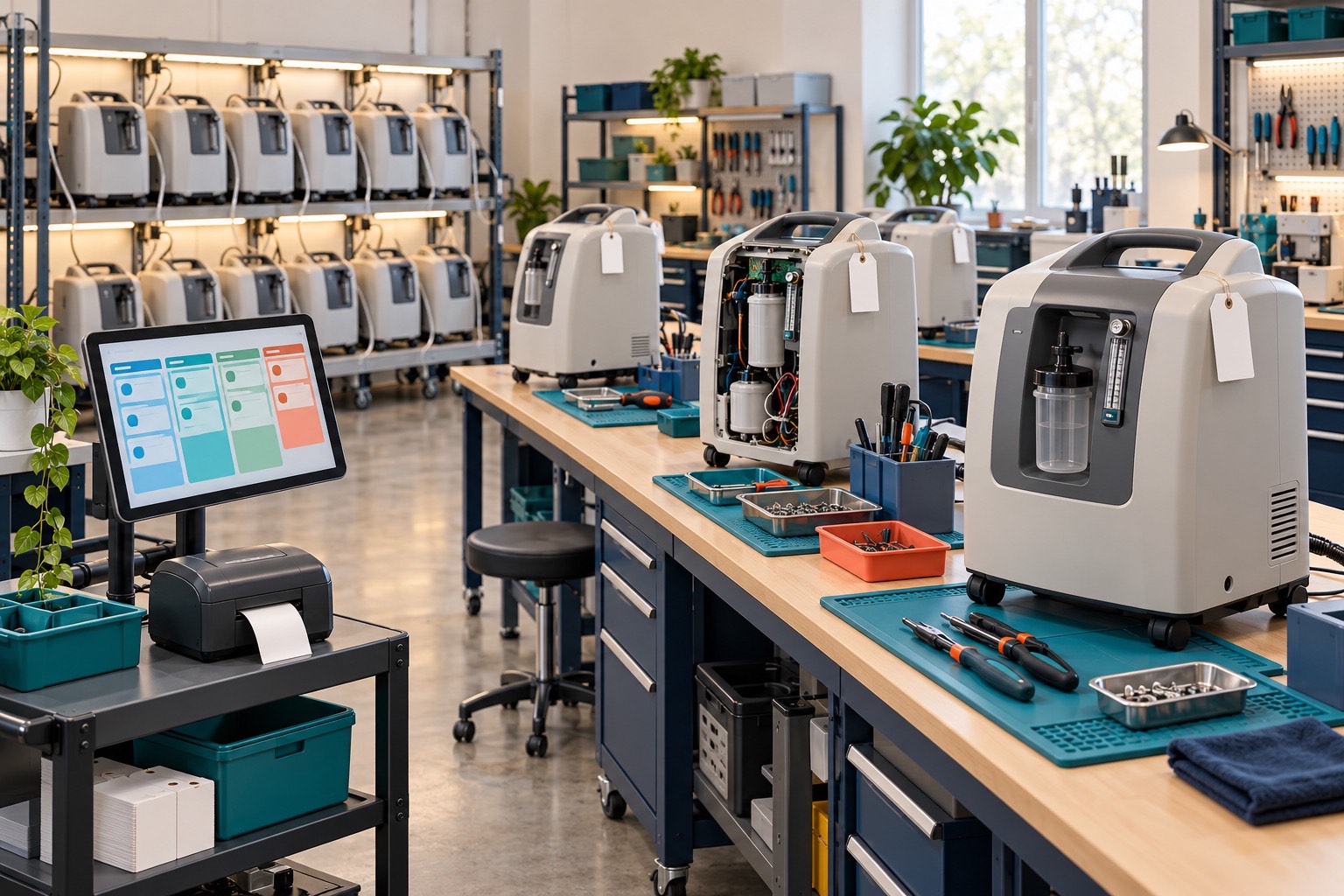
Every repaired unit passes through many hands: picked up from a customer, received, repaired, tested, packed, shipped, and billed.
- The office bounced between an RA tracker, a ticket tracker, a repair log, and printouts from legacy software
- Status was set by hand, so it was easy to get out of step with reality
- Nobody had one clear view of where a unit was, or how long it had been there
- Billing meant rebuilding the repair story from several sources
02 · What we built
The whole repair, in one flow.
- PickupDrivers log units on a tablet at the customer site
- ReceiveLogistics confirms arrival and releases each unit to service
- RepairTechnicians log parts, problem codes, and burn-in results
- Commit & shipThe office commits the work and ships the unit
- InvoiceEach ticket becomes a PDF service order, ready for billing
- An Office Portal. One landing page in the Work App, with forms, reports, and help in one place.
- Smart forms. A single “report a problem” form that branches based on the answers, instead of forcing every field.
- Checkboxes, not dropdowns. Checking “Release to Service” or “Ready for Burn In” moves the status automatically, so it always matches reality.
- Role-based reports. Technicians see their own tickets. The office sees what’s ready to commit. Both see the same ticket details, so they can talk about the same thing.
- Parts at the part level. “Waiting for parts” is tracked on each part, so the team knows exactly what a unit is waiting on.
03 · Under the hood
Fast enough to live in all day.
As the tracker grew, its formulas were scanning thousands of rows for every cell. It was heading straight into Smartsheet’s reference limits, and slowing down.
We moved the heaviest lookups into a small helper sheet, so the main tracker checks a short list instead of scanning itself. That cut its two heaviest columns from about 112.5 million formula references to about 17.5 million, with the same results on screen.
Formula references · two heaviest columns
A checkbox moves the status
We built it with the team, not for them. Live tests with the office, working sessions with their lead, and decisions made by the people who run the shop every day.
A system only works if people choose to use it.
04 · Where else it works
Any shop that tracks tickets and assets.
The same pattern fits field service, equipment repair, medical equipment, and any operation that needs to follow a physical item and its paperwork from intake to invoice, especially one that has outgrown spreadsheets.